Clash Meta for Android Download & Installation Guide
Clash Meta for Android installation tutorial, successor to Clash for Android, based on Meta core, supporting multiple protocols with how-choose-service import and node configuration
Clash Meta for Android is the successor to Clash for Android. The operation is similar to Clash for Android, but it is based on the clash meta core and supports multiple protocols. The community is active and updates are frequent.
Clash Meta for Android Download
Note:
Proxy Accelerated: Use a jump proxy to speed up access to GitHub. If direct GitHub is too slow, try
Proxy Accelerated download.Installation Steps
1. Install the Application
- If the system blocks installation (unknown developer/driver permissions, etc.), follow the prompts to allow or release in Security & Privacy settings.
- If you are using HarmonyOS, consider the dedicated mobile client Clash Box↗
2. Get a Subscription
⚠️ Important:
Please note that
Clash Meta for Android is a proxy tool, not a proxy service provider. Installing it alone does not enable internet access. You need a how-choose-service (service provider) to get started. If you are unsure how to choose a provider, read How to Choose the Right Provider↗.If you don't have a how-choose-service yet, Learn how to choose a provider↗
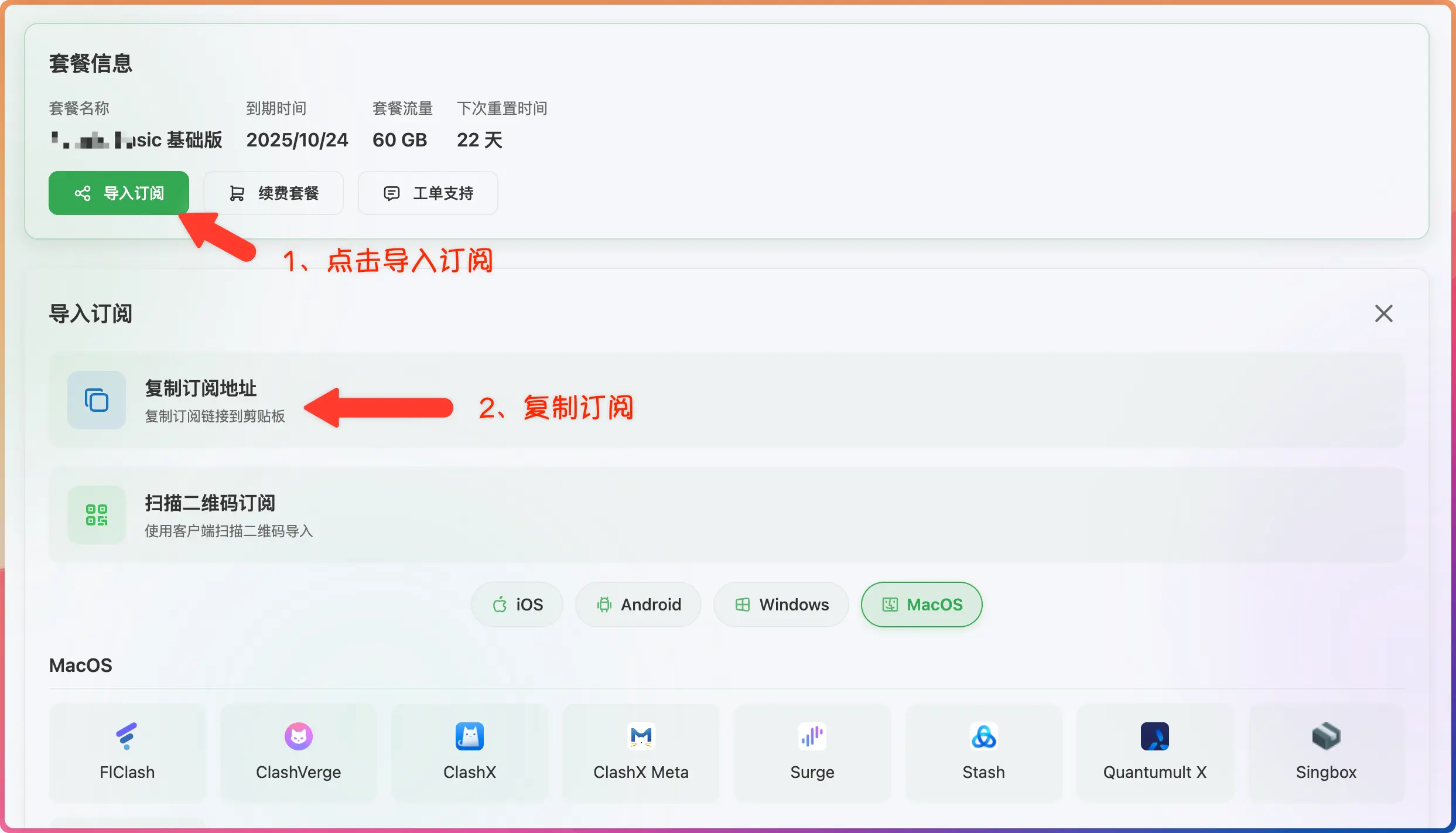
- Log in to the provider's official website
- Click to import how-choose-service
- Click to copy how-choose-service
3. Import Subscription
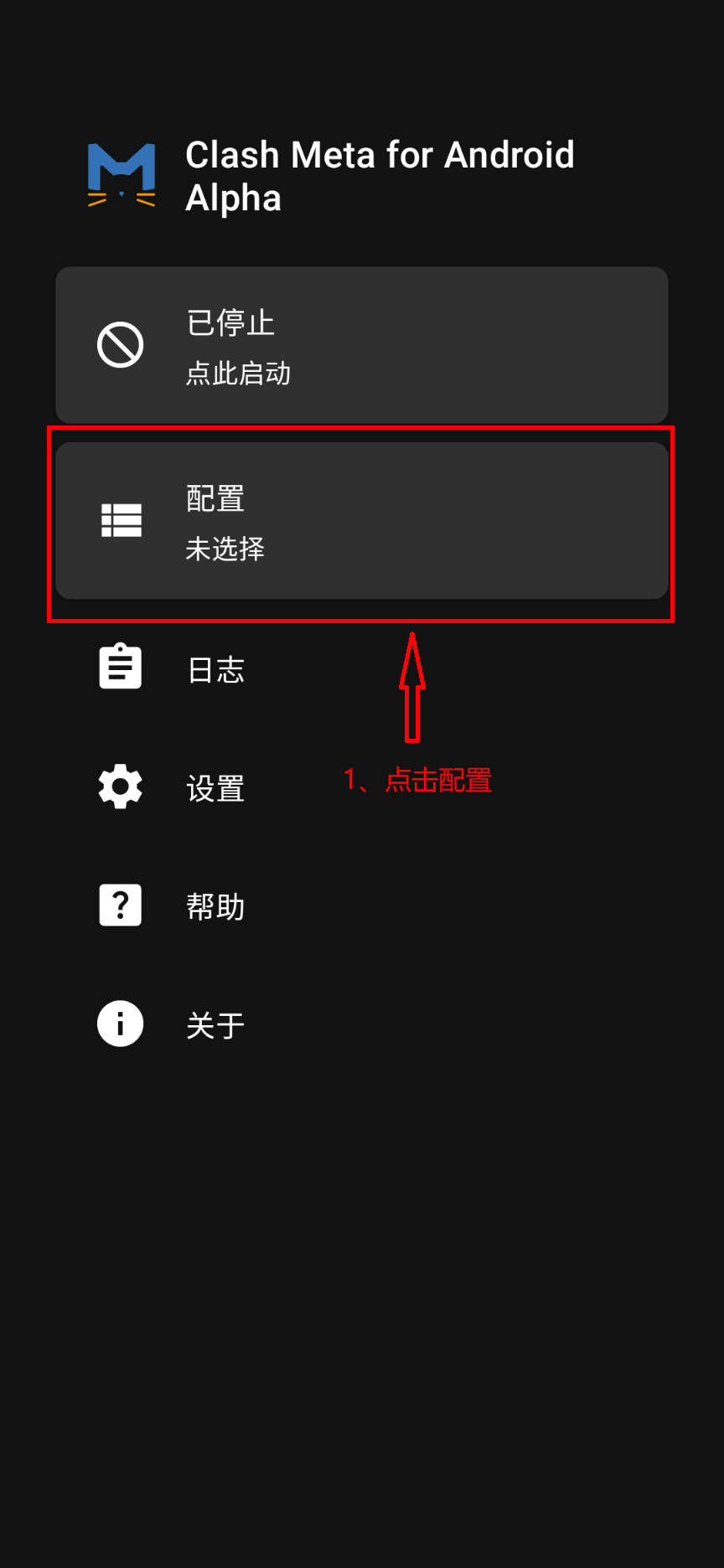
- Paste the how-choose-service address
- Click to download how-choose-service
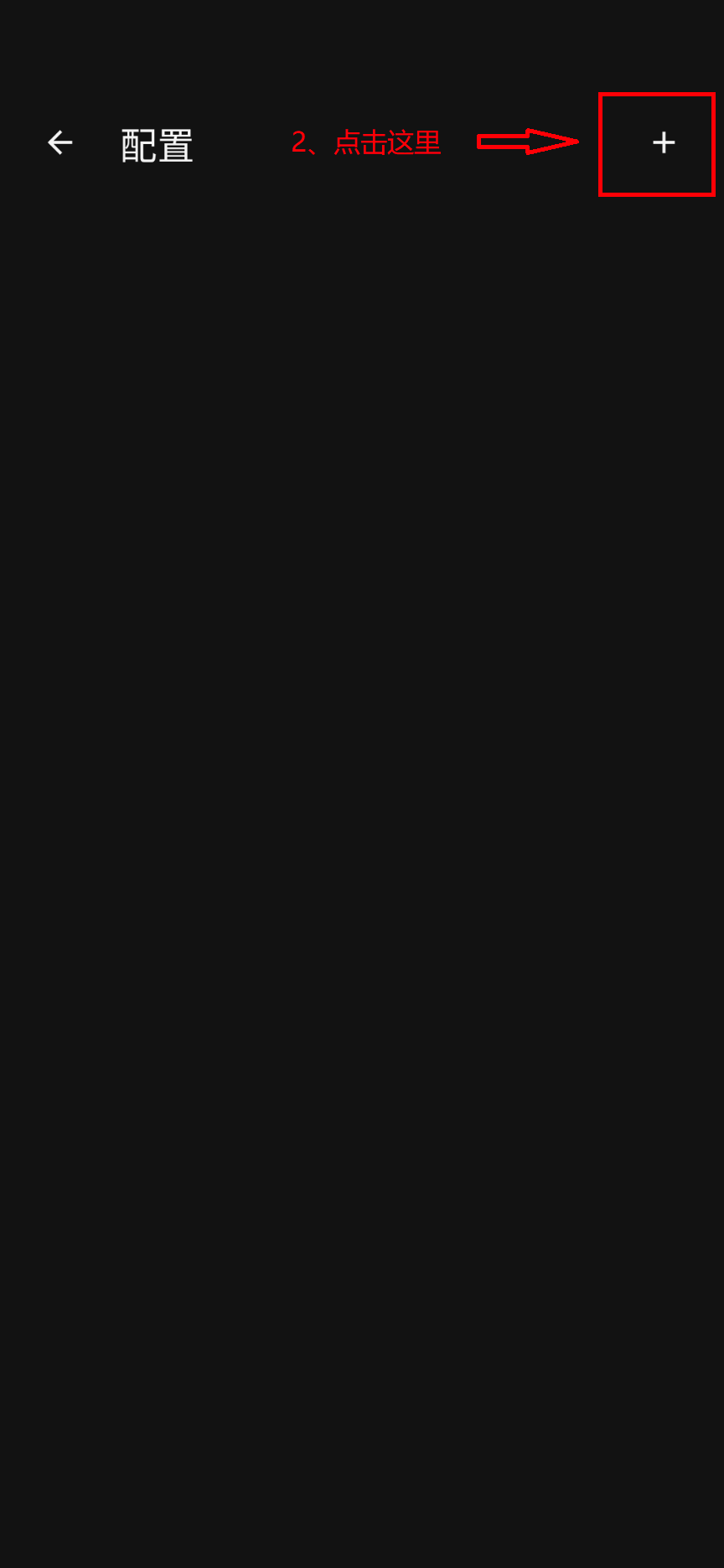
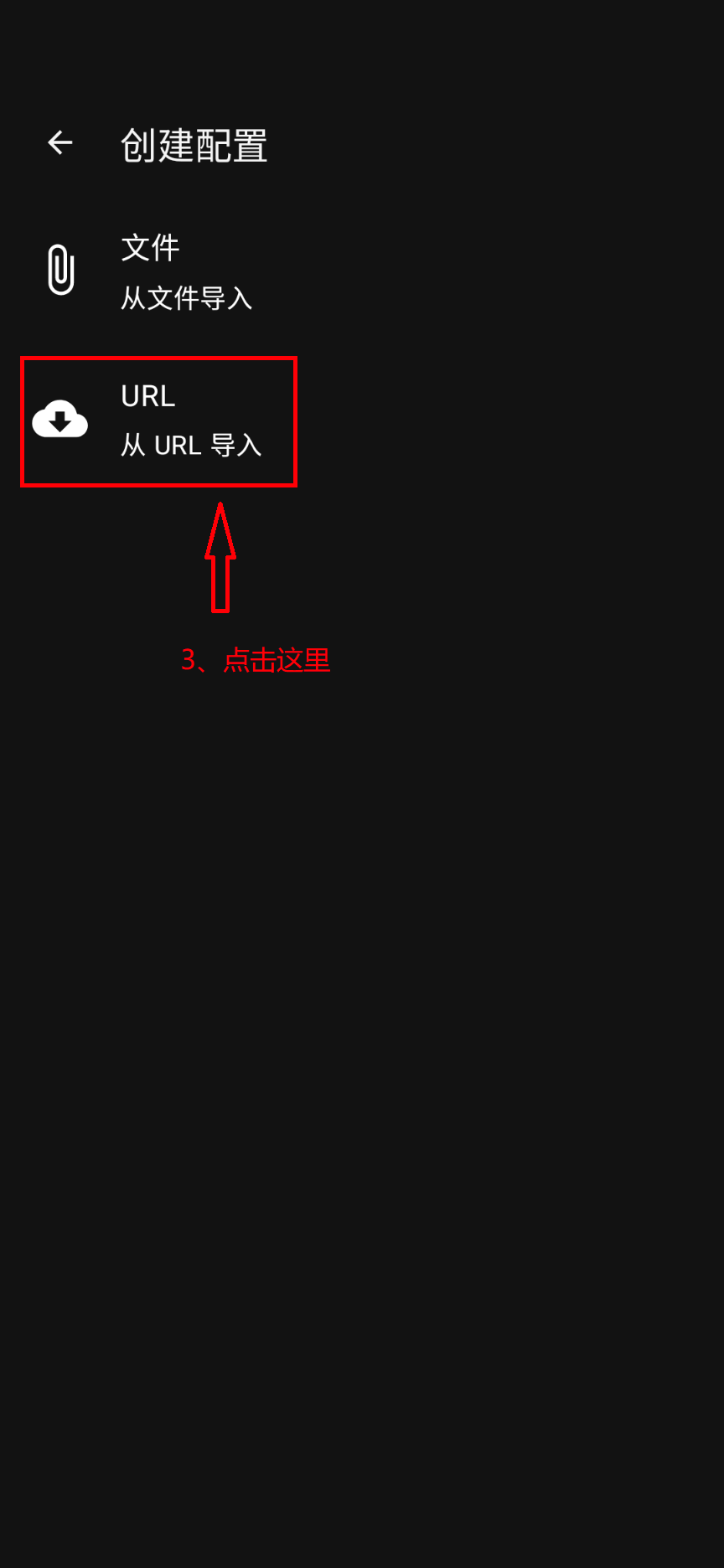
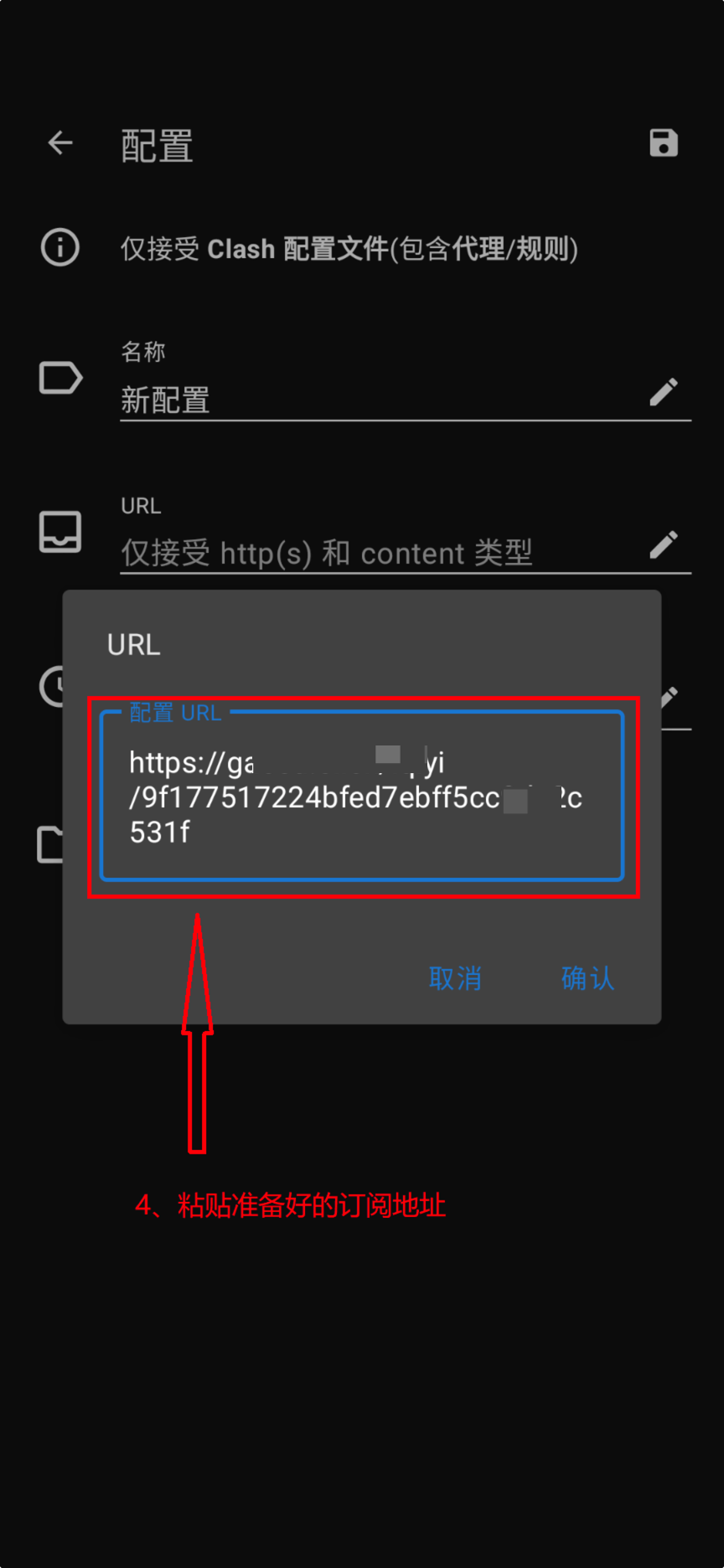
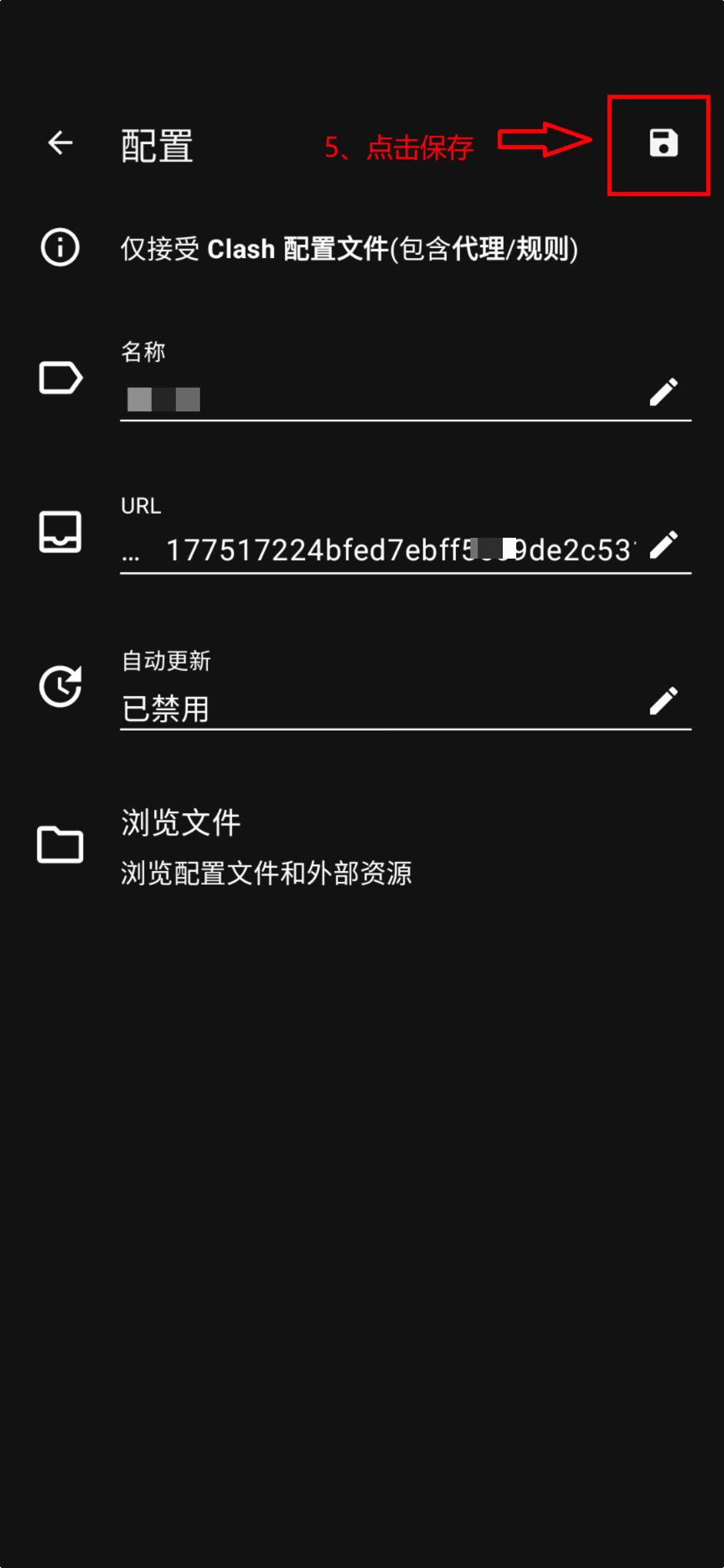
4. Start Proxy
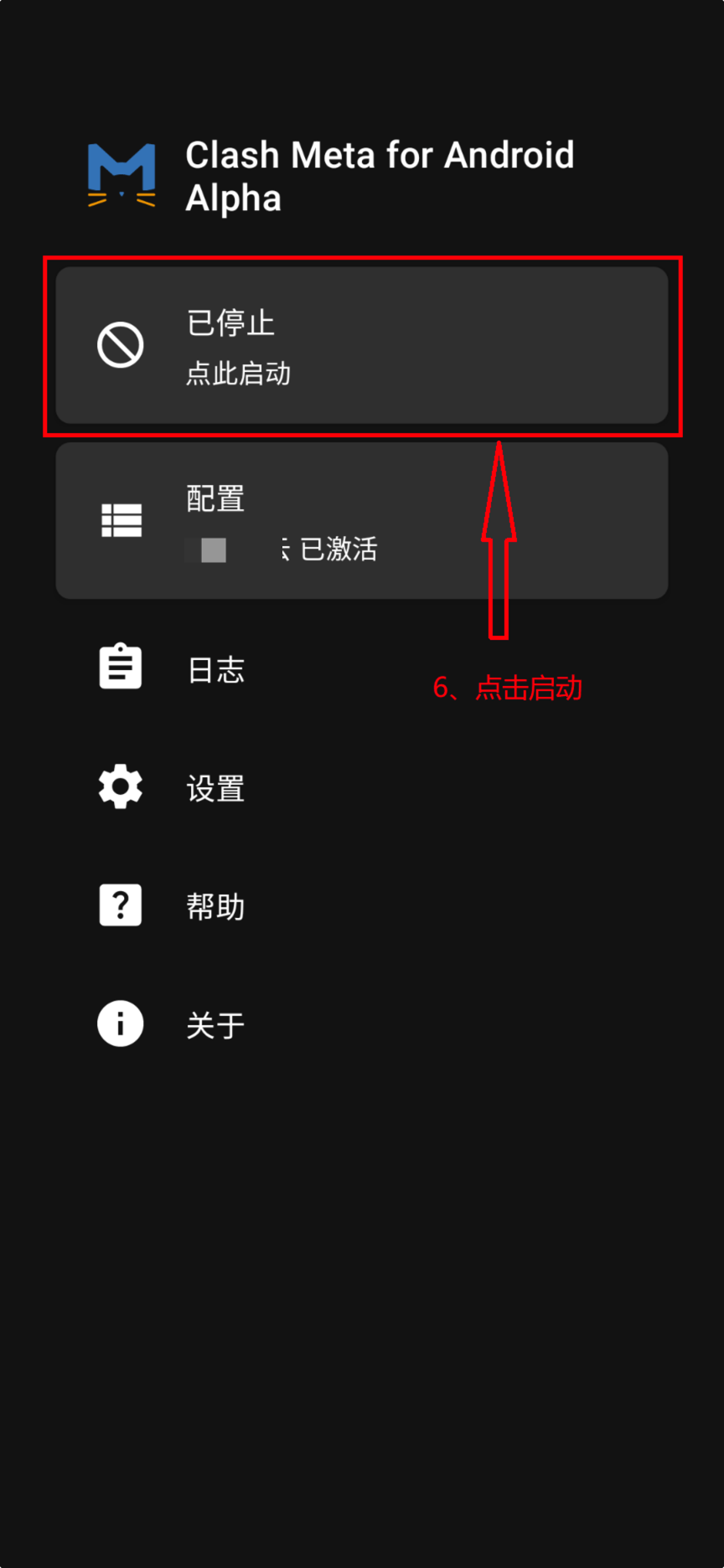
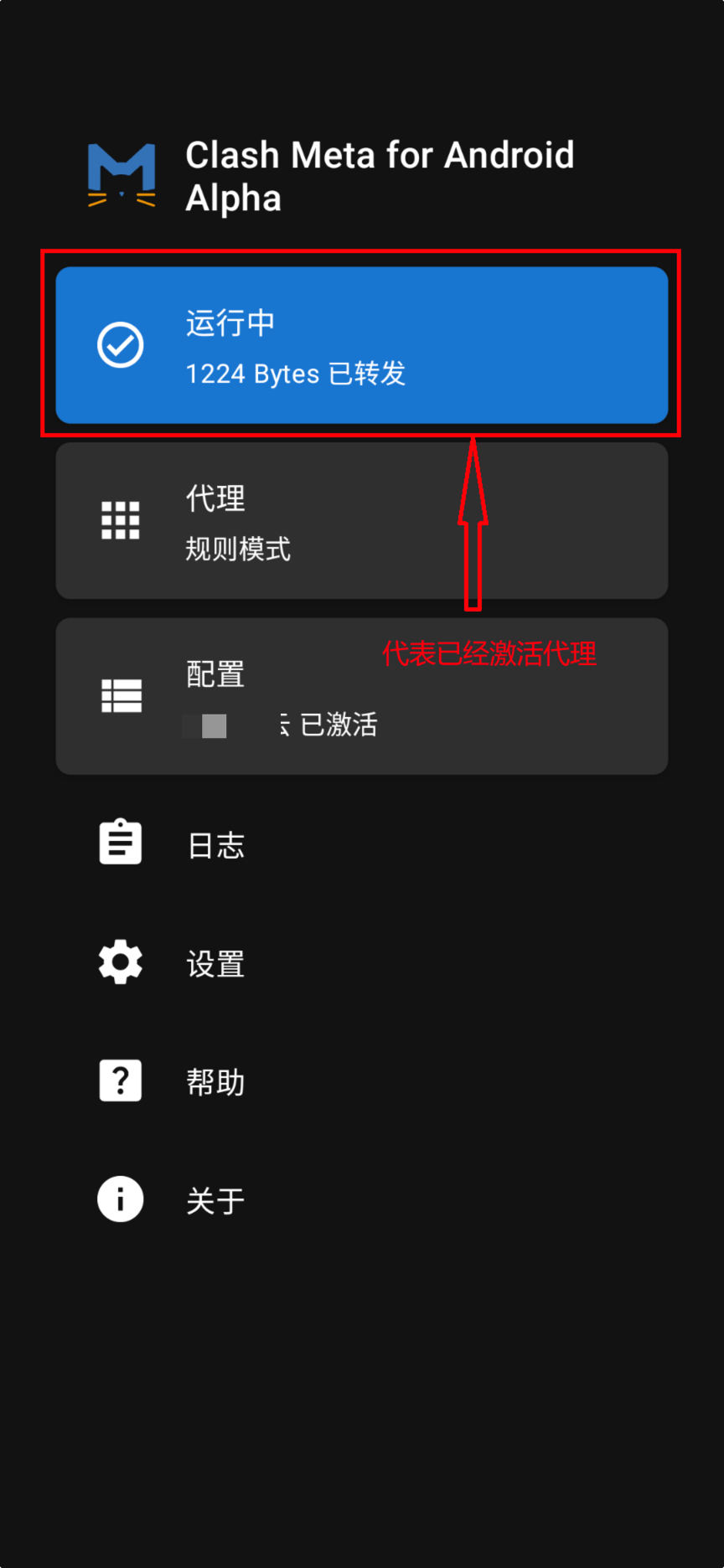
- Click to start the proxy